People seem to like the idea of just having to use when they need mouse input instead of having to grab a mouse or using the touchpads to type something quickly over grabbing a keyboard. Useful if you are gaming in the living room, so more a convenience.
For gameplay others have liked setting up touch menus. Like for retroarch on the Steam Deck I set up a touch menu with short cuts to bring up the menu, select save states, rewind and fast forward.
And in my case I actually prefer to use the touchpads as primary inputs in FPS titles like The Finals. I set up the right touchpad so gyro is activated on touch, swiping to quickly turn, and setting up a dpad modeshift to act as a facebutton replacement by expanding the clicks from 1 to 5. So lets me not have to take my thumb off the right pad.
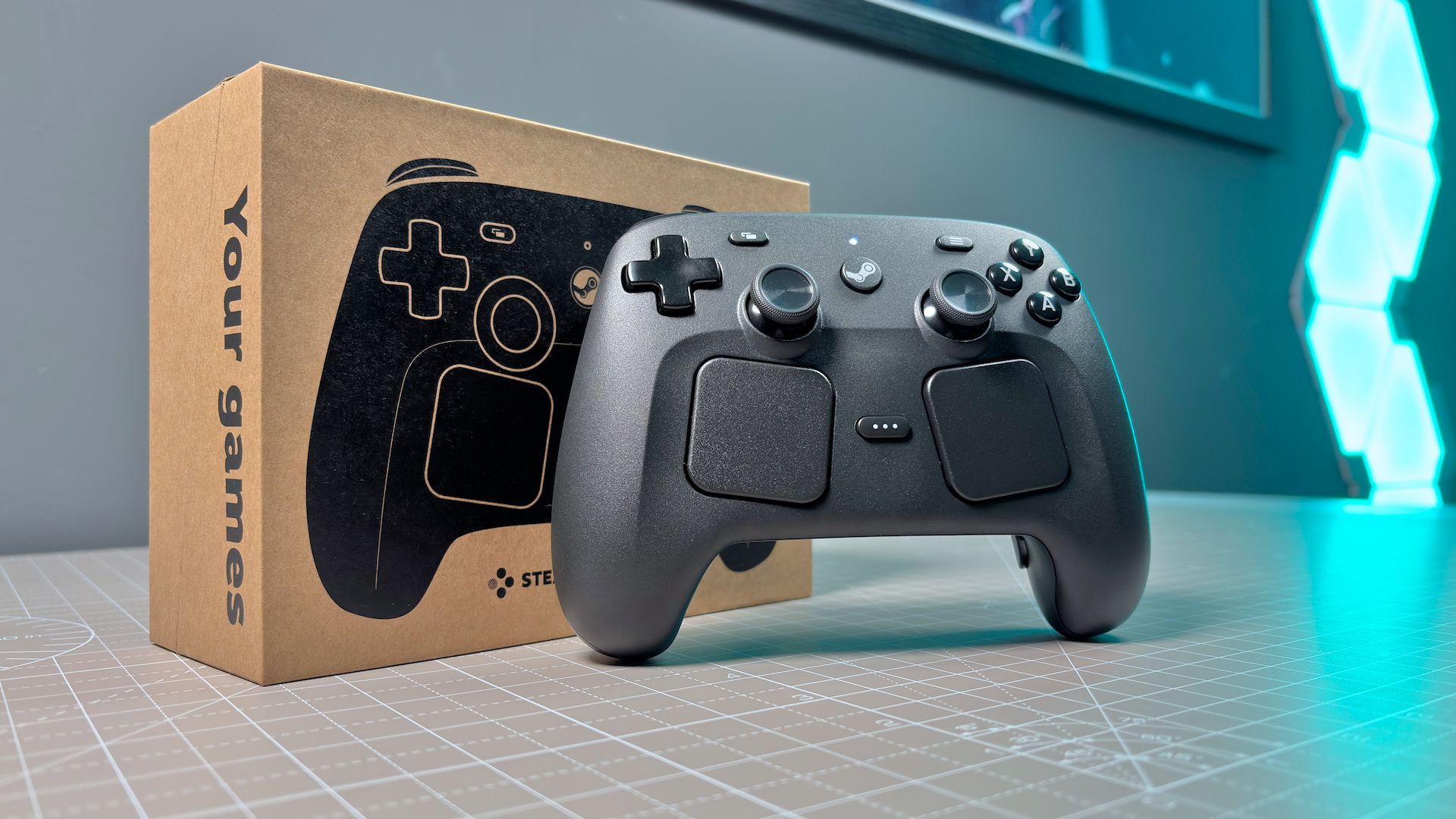
Not sure the ergonomics of the new Steam Controller will be good for dual pad gaming though, since didn’t find myself finding the Deck touchpads comfortable for that use case do to them being lower than the OG Steam Controller.


People seem to like the idea of just having to use when they need mouse input instead of having to grab a mouse or using the touchpads to type something quickly over grabbing a keyboard. Useful if you are gaming in the living room, so more a convenience.
For gameplay others have liked setting up touch menus. Like for retroarch on the Steam Deck I set up a touch menu with short cuts to bring up the menu, select save states, rewind and fast forward.
And in my case I actually prefer to use the touchpads as primary inputs in FPS titles like The Finals. I set up the right touchpad so gyro is activated on touch, swiping to quickly turn, and setting up a dpad modeshift to act as a facebutton replacement by expanding the clicks from 1 to 5. So lets me not have to take my thumb off the right pad.
Not sure the ergonomics of the new Steam Controller will be good for dual pad gaming though, since didn’t find myself finding the Deck touchpads comfortable for that use case do to them being lower than the OG Steam Controller.