

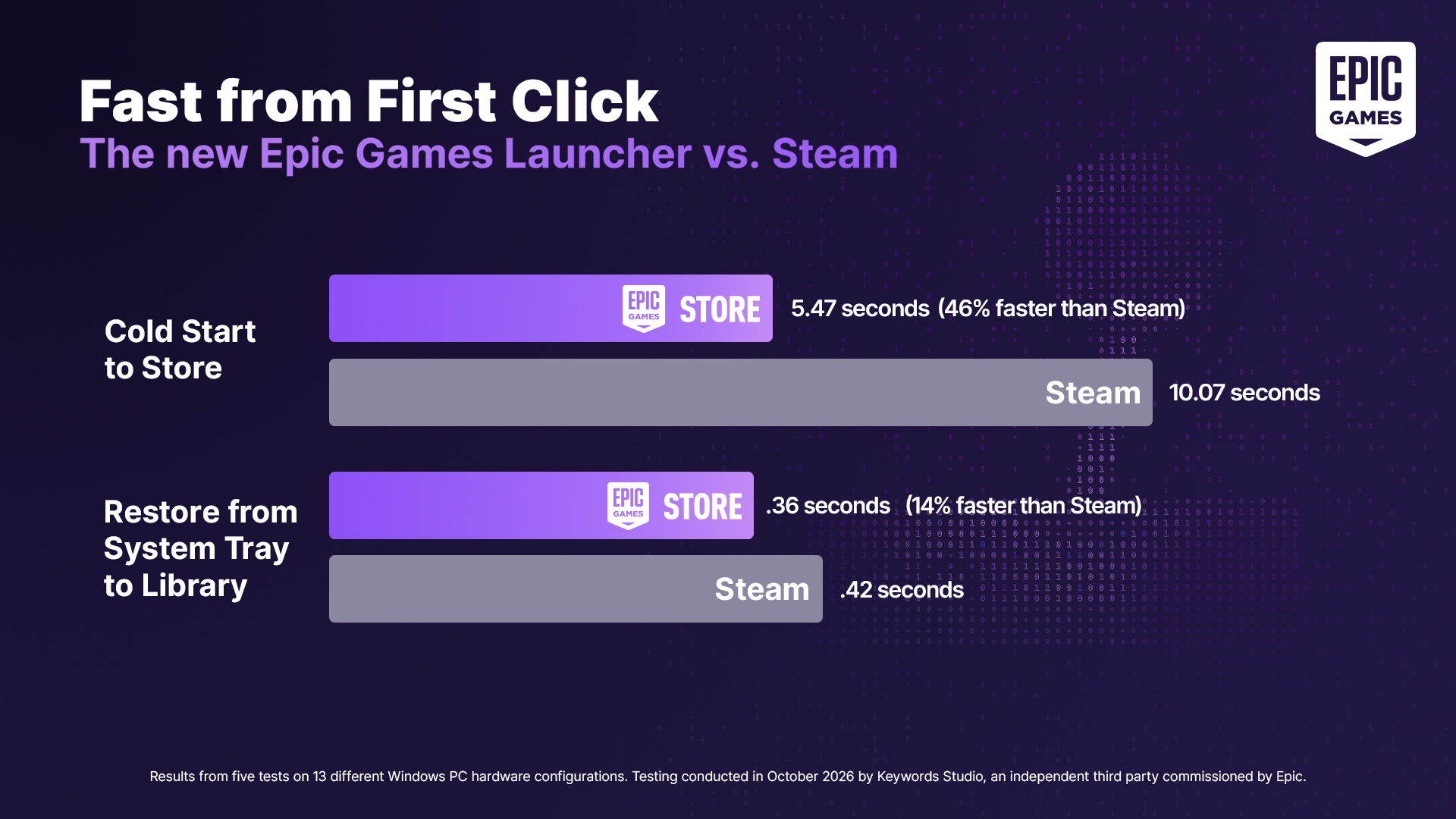
Without any flashy marketing campaigns or social media fanfare, Valve rolled out a routine Steam Client update containing a very simple line in the patch notes: “Improved Steam Client startup performance.”
Without any flashy marketing campaigns or social media fanfare, Valve rolled out a routine Steam Client update containing a very simple line in the patch notes: “Improved Steam Client startup performance.”
Some people get stuck on performance numbers that don’t matter. Like Linux users that say they want 5second boot time instead of 8. Why? Or a sorts car owner that never does track days but likes to tell you their car can do 240km/h…when we have 120km/h road limits.
I don’t care for a 5 second boot time instead of 8, but I understand the desire to work towards a sub 1 second type of boot, even if it’s still farcical. We are surrounded by other tech like laptops, phones and TVs which go from standby to on in an instant, and as a PC user, where one puts personal stake in their PC being on par or better, chasing minimal times here matters.
I’m sure many people know the feeling of their Linux PC or pride of place mechanical keyboard modded ThinkPad suddenly looking crap to a casual tech user with a different understanding of what quality means. While the MacBook user may never gain the features of your device, you may theoretically beat them at their preferences, because you can technically do anything.
I’m eyeing up an oled monitor upgrade in the next few years. When I get it, I’m gonna use an old raspberry pi to basically make a simple, lightweight dupe of my PC desktop, then use a HDMI switch to have the oled screen have an instant useful boot while the apC actually boots in the background. My desk doesn’t face a part of my apartment otherwise used, so I may get a motion sensor too, so being at my desk turns on the pi’s “always on” display, which has the dual purpose of obscuring the PC boot. I don’t need this in any way, but it’ll feel 𝓈𝓁𝑒𝑒𝓀, and I want that.
tvs with webOS or macs people turn on usually are sleeping, so that 1 second startup is not really a boot. My nixos laptop turns “on” in about 1 second if it is sleeping…but I get what you are saying, it would be amazing yo have that fast of a cold boot
We all know that part, but that’s the comparison many very casual users would use. I would look uncool describing the difference to someone who told me my OC takes a long time to boot, and to a community of nerds, looking uncool to someone may be terrible. I’m sure this doesn’t impact everyone, but I understand the super short boot dream.
Yeah, but to be fair that V10 Lamborghini Huracán can get up to that speed limit much more quickly than my budget-sports-car Scion tC can. Besides, how are we supposed to know how small their penis is unless they rev their engine up so loud it hurts everyone’s ears?
Boot times are such a arbitrary performance statistic. My Nobara machine boots quite fast, but i had to put a 30s timeout for my array of hard drives in the fstab to make sure they get mounted correctly. That’s not the fault of the OS, it’s a hardware limitation that can’t really be worked around at all.
I spend like 30 seconds prior to booting to “train my RAM” or whatever. DDR5 feels like a massive step backwards to the 90s.
I think you might be able to skip that if you want to - if you know at what timings your RAM works fine at (probably the values your PC uses while working, there are tools for looking that up), you can probably just set it in your BIOS and be done with it.
I had to wait an hour to boot on Windows 10 LTSC. Not the first machine I owned with that problem, either.
File system check?
Ran it regularly before and after the scheduled update every three months. Also ran a scheduled CHKDSK and DISM. Basically took a full day for routine updates. Cleared temporary files and unused AppData. Defragmented. I also frequently flushed DNS cache.
The fact that it’s not an issue with any individual hardware should have tipped you off that it’s not an “error” but just the way Windows is. You can find unresolved forums posts about this kind of issue going back to the early days of Windows 7 if you search.
If anybody is stupid enough to still use windows this is my advice: Enable the Hibernate option. It saves the RAM to disk and then resumes from there on startup, skipping any issues.
I actually suspect it started on the LTSC copy specifically after the Windows Store was installed, which cannot be undone.
I run Linux for everything at home…after W10 came out. But work issue machines are Windows. They have never had boot issues…they have a shit ton of other quirks though.